
I spent four hours last Tuesday fixing a flaky test suite because an AI agent decided to refactor a utility function without checking the call sites in our legacy monolith. It changed a return type from a null to an empty object. On the surface, it looked clean. In production, it bypassed a null check that triggered a cascade of errors in our billing service. This is the reality of using LLMs on large codebases. You are not just writing code. You are managing technical debt at 10x speed.
The debate right now is between Claude Code and Cursor. One is a CLI tool that lives in your terminal. The other is a fork of VS Code that wants to be your entire development environment. I have spent the last month running both against a repository with over 800,000 lines of TypeScript and Go. This is not a marketing comparison. This is a look at what happens when you actually try to ship.
What it is
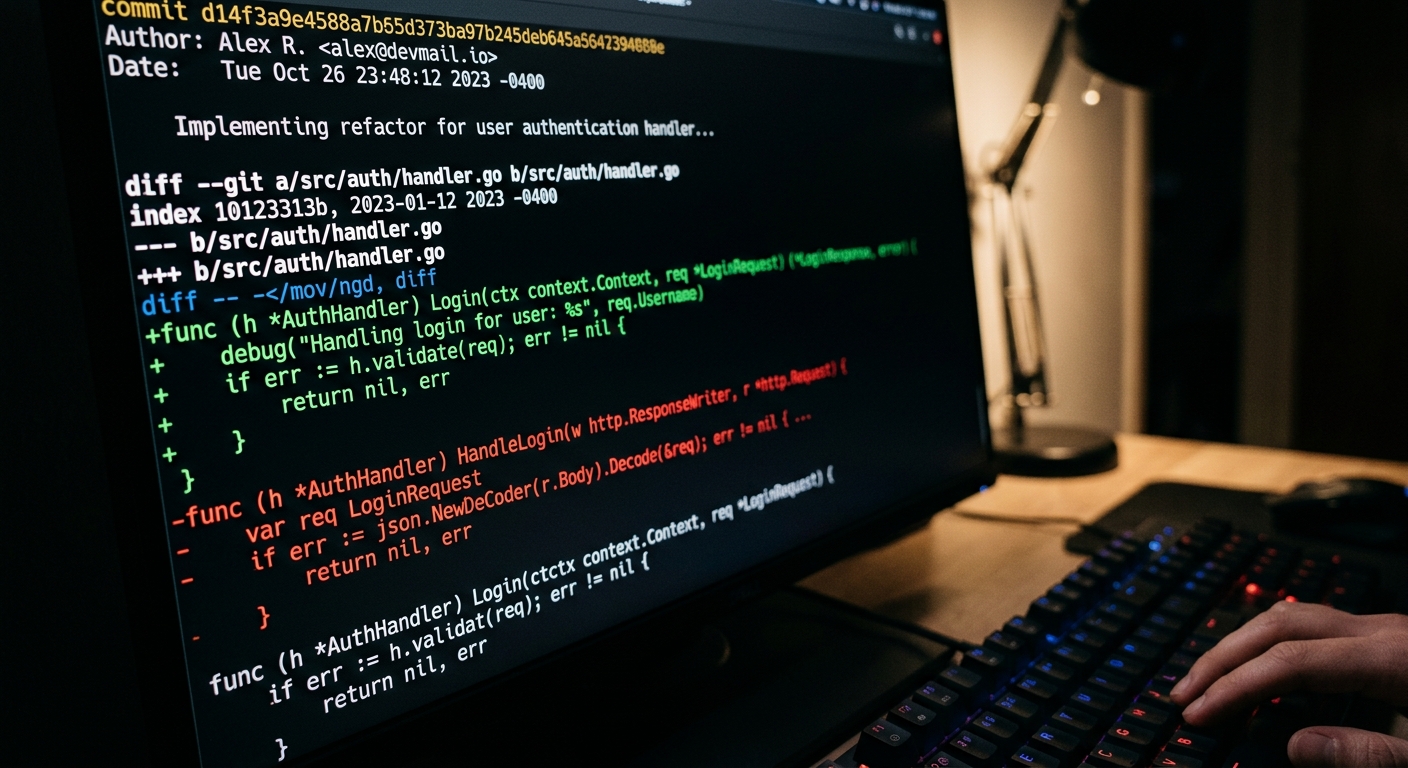
Claude Code is a research preview from Anthropic. It is a command line interface that provides an agentic wrapper around Claude 3.7 Sonnet. You install it via npm, give it access to your shell, and it can run commands, read files, and apply edits. It is designed for developers who do not want to leave the terminal. It does not have a GUI. It relies on a git like workflow where it proposes changes and you either accept them or tell it to try again.
Cursor is a fork of VS Code. It is a full IDE that integrates AI into the core editing experience. It uses a custom indexing engine to map your entire codebase. It offers features like Composer, which can write code across multiple files, and a Chat interface that has context of your open tabs. It allows you to toggle between models, including Claude 3.5, Claude 3.7, and GPT-4o. If you want a more autonomous experience, you might look at Devin, but Cursor is built for the human in the loop.
What works
Claude Code excels at infrastructure tasks and grep-heavy discovery. Because it has direct access to your shell, you can ask it to "find all instances of the deprecated logger and replace them with the new one, then run the linter to fix formatting." It handles the task by piping commands. It reads the file, applies the diff, and runs npm run lint. If the lint fails, it reads the error and tries again. This loop is significantly faster than manually copying and pasting errors into a chat box.
Cursor's strength is its indexing. In a large codebase, the hardest part for an AI is knowing that UserSvc in the auth folder is different from UserSvc in the billing folder. Cursor builds a local vector index of your repository. When you ask a question, it retrieves the most relevant snippets before sending them to the model. This makes its suggestions much more grounded than a tool that is just looking at the current file.
I found that Cursor's "Composer" mode is the best way to scaffold new features. If I need to add a new API endpoint, I can tell it to create the route, the controller, and the service. It usually gets the boilerplate right about 85% of the time. For a deeper look at how these tools handle high-pressure scenarios, you can read about our Claude Code vs Cursor for Large Codebases: A Technical Stress Test.
| Feature | Claude Code (CLI) | Cursor (IDE) |
|---|---|---|
| Interface | Terminal / Shell | VS Code Fork |
| Context Method | Agentic Discovery | Local Vector Indexing |
| Speed | Fast for CLI tasks | Fast for UI edits |
| Multi-file Edits | Excellent (via shell) | Good (via Composer) |
| Cost | Usage-based (Token heavy) | Subscription ($20/mo) |
What does not
Claude Code is expensive. Because it is an agent, it often gets stuck in loops. I asked it to fix a type error in a complex generic. It spent three minutes running tsc, reading the error, changing a line, and running tsc again. By the time it finished, it had burned through $4 in API credits. It is very easy to rack up a bill that exceeds a monthly subscription fee in a single afternoon. It also lacks a visual diff tool. You are reviewing diffs in the terminal, which is fine for two lines, but a nightmare for two hundred.
Cursor has a different problem. Its indexing can get stale. If you are doing a massive refactor or switching branches frequently, the index often fails to keep up. You end up with the AI suggesting code based on a version of the file that existed ten minutes ago. This leads to hallucinations where the AI insists a function exists when you just deleted it. It also feels heavy. Since it is a fork of VS Code, you are stuck with their update cycle. If they break a plugin you rely on, you have to wait for them to patch it.
Both tools struggle with the "long tail" of large codebases. Neither of them truly understands the architectural constraints of a 10 year old project. They will both suggest patterns that are technically correct but violate your internal style guide or introduce backpressure issues in your message queues. If you need to see how this plays out in a real world scenario, check out Claude Code vs Cursor for Large Codebases: A Senior Reality Check.

The unsaid tradeoff
The unsaid tradeoff here is between developer focus and agentic autonomy. Claude Code wants to be an engineer you collaborate with in the terminal. Cursor wants to be the platform you use to write code.
When you use Claude Code, you are giving up a lot of control. It is executing shell commands on your machine. While it asks for permission, the sheer volume of commands makes it easy to just hit 'y' without reading the full command. I have seen it try to delete files that were ignored by git because it thought they were cluttering the build. It is a high risk, high reward tool.
Cursor is safer because it is visual. You see the code being written in real time. But that visibility comes at the cost of speed. You are still the one clicking the buttons. If you want to bypass the UI entirely and build your own custom workflows, you might find that using OpenRouter to call models directly is more efficient than being tied to an IDE.
We also need to talk about observability. When Claude Code fails, it gives you a summary. But when it fails in a way that introduces a silent regression, you do not find out until your monitoring alerts go off. Cursor is slightly better here because you are looking at the code, but the sheer volume of code it generates can lead to reviewer fatigue. You stop reading every line because it looks right at a glance.
Who should use it
Use Claude Code if you are an infrastructure engineer or a backend developer who lives in tmux and vim. It is the best tool for repetitive terminal tasks, migrations, and cleanup. It is also great if you want to experiment with the latest agentic capabilities from Anthropic without waiting for an IDE to implement them. Just keep an eye on your billing console. The token burn is real.
Use Cursor if you are a product engineer who needs to move fast. The integration of the chat window and the editor is the best in the market right now. It is more predictable than Claude Code and the $20 a month flat fee is a bargain compared to the per-token cost of running an agent.
If you find both of these too restrictive, you might want to look at how teams are using Hugging Face to host their own fine-tuned models for code completion, though that is a much higher barrier to entry. For most of us, the choice is between a smart terminal and a smart editor. Just remember that neither of them will write your post-mortem when the code they generated causes an incident.


