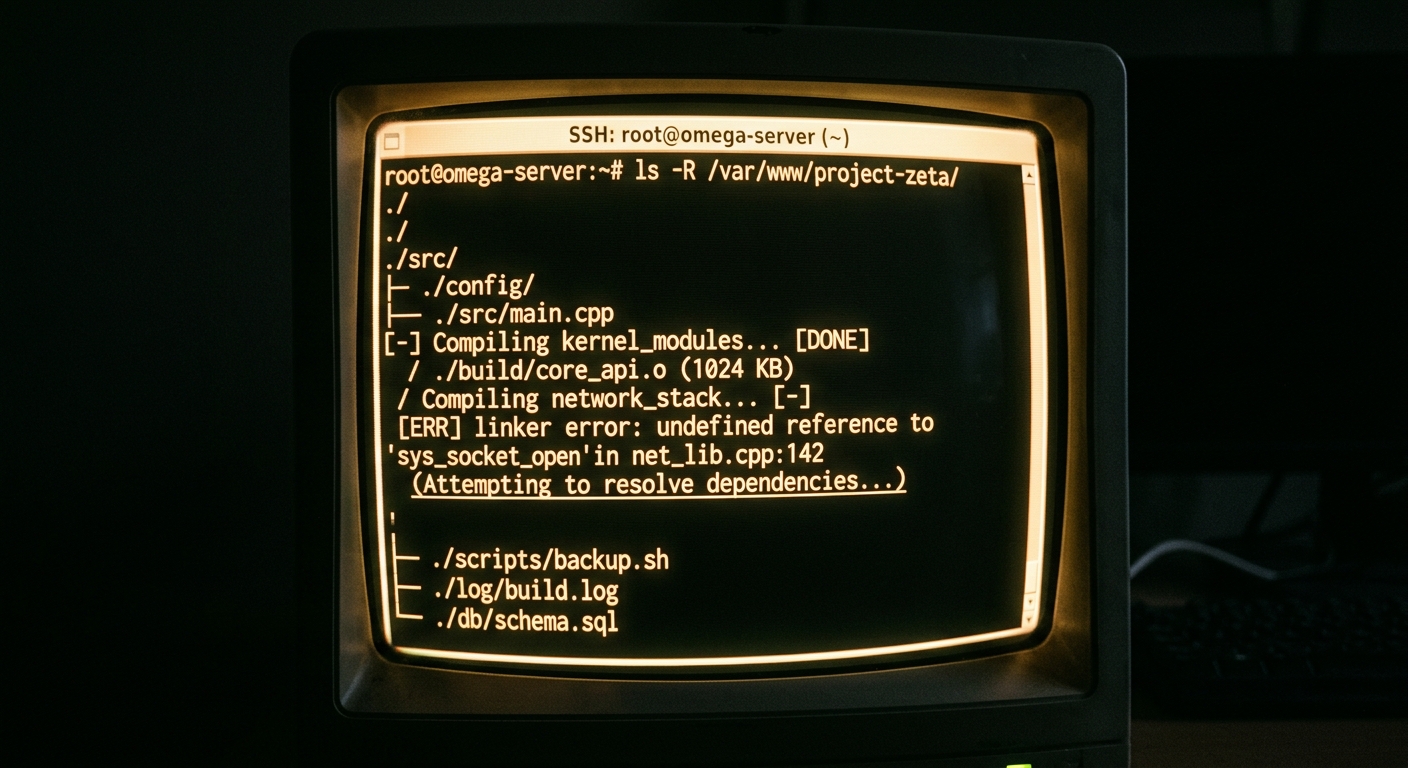
I spent four hours last Tuesday debugging a circular dependency that an AI agent introduced into our main payment service. The tool decided that the easiest way to access a utility function was to import it from a high level module that already depended on the service I was editing. The local build passed, but the CI pipeline caught the regression. This is the reality of using AI in large codebases. It is not a magic solution. It is a tool that requires constant supervision and a deep understanding of your architecture.
# The result of an unvetted AI suggestion in a monolith
Error: Circular dependency detected:
services/payment -> utils/formatting -> services/payment
FAILED: build.sh
When you are working in a repo with millions of lines of code, the shiny features shown in marketing demos often fall apart. You do not need an AI to write a todo list app. You need an AI that can navigate a complex dependency graph without causing a massive incident. This post looks at how Claude Code and Cursor handle the weight of enterprise scale development.
Why this list
Most reviews of AI coding tools focus on how fast they can generate a new Python script. For a staff engineer, that is the easy part. The hard part is maintenance, observability, and preventing a rollback. We need tools that understand the difference between a clean architectural change and a hack that introduces technical debt.
Large codebases present specific challenges. First, the context window is never big enough to hold the entire project. Second, indexing a massive repository can lead to high latency and flaky results. Third, the cost of a bad suggestion is much higher when it affects multiple downstream services. I am writing this to compare these tools based on how they actually perform when you are deep in the weeds of a legacy system, not just starting a greenfield project.

1. Context indexing and retrieval
Cursor functions as a fork of VS Code. Its primary advantage is how it handles codebase indexing. It builds a local vector index of your files, which allows it to pull in relevant snippets when you ask a question. In a large codebase, this is essential. If the tool cannot find the specific implementation of an internal interface, it will hallucinate a standard one.
In my experience, Cursor handles large indices reasonably well, but it can struggle with backpressure when the index gets out of sync with a fast moving git branch. You often have to manually trigger a re-index after a large merge. If you do not, the suggestions will be based on stale code, which leads to immediate regressions.
Claude Code takes a different approach. It is a terminal based agent. Instead of relying on a pre-built IDE index, it uses a set of agentic tools to explore the filesystem in real time. When you give it a task, it runs commands like grep, ls, and cat to build its own understanding of the context. This feels more like how a human engineer works. It is slower than a vector search, but it is often more accurate because it sees the exact state of your files right now. For a senior developer, the accuracy of the context is usually worth the extra few seconds of latency.
2. Terminal agency vs IDE assistance
Claude Code is designed to live in your terminal. You initiate it with the claude command and give it a high level instruction. It does not just suggest code. It executes it. It can run your build scripts, execute a test suite, and then iterate on the code until the tests pass. This is a significant shift in workflow.
# Example of Claude Code agentic loop
claude "Update the user validation logic in the auth service and run the unit tests."
# Claude then proceeds to:
# 1. Search for auth service files
# 2. Read the validation logic
# 3. Apply the fix
# 4. Run 'npm test auth-service'
# 5. Fix any errors that arise
Cursor is an IDE. It excels at the 'ghost text' experience where it suggests the next line of code as you type. This is great for local flow, but it lacks the full agency that Claude Code offers. Cursor can search the web and read documentation, but it does not have the same level of integration with your local shell. If you need to refactor a pattern across fifty files and then verify the fix with a shell script, Claude Code is the more capable tool.
However, the agency of Claude Code is a double edged sword. You must be very careful with the permissions you grant it. I have seen it try to delete entire directories because it thought a clean slate would solve a build error. Always run these tools in a git-tracked environment so you can perform a rollback if the agent goes off the rails.

3. Handling regressions and rollbacks
One of the biggest issues with AI in large codebases is the 'silent failure' or the subtle regression. This is code that looks correct but breaks a corner case or violates a performance constraint. Cursor provides a great UI for reviewing diffs. You can see exactly what changed and accept or reject individual blocks. This is vital for maintaining high standards during a PR review.
Claude Code provides a summary of its changes, but because it happens in the terminal, you often find yourself jumping back into your editor to see what it actually did. In a large codebase, I prefer the visual diffing of Cursor for complex logic changes. It is easier to spot a flaky logic change when you can see the surrounding context in a full IDE window.
When an incident occurs because of an AI generated change, the post-mortem usually reveals that the engineer trusted the tool too much. Whether you use Cursor or Claude Code, the responsibility for the ship remains with the human. You should treat every AI suggestion as a junior engineer's first PR. It needs a full review, observability checks, and probably a feature flag if the change is high risk.
4. Latency and token economics
Working with large codebases means sending a lot of tokens to a model. If you are using the OpenAI API or Anthropic's API directly, the costs can scale quickly. Cursor includes its own subscription model which abstracts this away, but they do have rate limits on their 'fast' models. Once you hit those limits, the latency becomes noticeable and disrupts your flow.
Claude Code is currently in a beta phase and its pricing model is tied to your Anthropic API usage. Because it is agentic, it often uses more tokens than Cursor. It might read ten files just to answer one question. This makes it more expensive for simple tasks. If you are looking for ultra fast inference for custom scripts, you might use a provider like Groq, but for these integrated tools, you are bound by their specific backends.
| Feature | Cursor | Claude Code |
|---|---|---|
| Interface | VS Code Fork | Terminal / CLI |
| Context Method | Vector Index | Agentic File Search |
| Agency | Low (Suggests) | High (Executes) |
| Ease of Use | High | Medium (Requires CLI comfort) |
| Large Repo Performance | Good with indexing | Excellent for targeted fixes |
What to try first
If you are working in a large codebase and feel overwhelmed by the sheer volume of boilerplate, start with Cursor. Its indexing is the best way to get a 'smart' search across a massive project. It feels like a natural extension of VS Code and the learning curve is almost zero. You can find more details in this Claude Code vs Cursor for Large Codebases: A Senior Teardown analysis.
If you are a terminal power user who needs to automate complex refactoring tasks or fix failing tests without manually clicking through files, try Claude Code. It is more powerful for 'deep work' where you can define a task and let the agent handle the execution loop.
Just remember that neither tool understands your business logic or your service level objectives. They do not know that a specific database query will cause a spike in latency or that a certain import will break your build in a specific CI environment. Use them to move faster, but do not let them drive the ship without a senior engineer in the navigator's seat. If you are building something new and need a simpler approach, tools like Lovable are interesting for rapid prototyping, but for the heavy lifting of enterprise engineering, the choice between Cursor and Claude Code comes down to whether you want an assistant in your editor or an agent in your terminal.