
Last Tuesday, a junior dev pushed a refactor that caused a circular dependency in our authentication service. It did not show up in CI because the test suite is flaky and the specific edge case was not covered. By the time we realized, the deployment had reached twenty percent of our nodes. We had to ship a rollback within ten minutes of the incident report. This is the reality of working in a repository with over 100,000 lines of code. It is messy, it is fragile, and if you trust an AI tool to understand the whole thing without supervision, you are asking for a post-mortem.
I spent the last three weeks testing Claude Code vs Cursor for large codebases to see which one actually reduces the cognitive load of navigating this disaster. Marketing claims say these tools can replace a senior engineer. They cannot. They are high-speed junior engineers with photographic memories and zero common sense. Here is what happened when we put them to work on a real production system.
The problem
Our main codebase is a monorepo. We have thirty microservices, a shared library for types, and a legacy database layer that everyone is afraid to touch. When you are dealing with this much surface area, the main bottleneck is not writing code. It is context. You need to know that changing a field in the User interface will break the client onboarding flow three levels deep in a different package.
We needed to migrate our legacy logging system to a new structured format. This meant touching about 400 files. Doing this manually is a recipe for a regression. We tried using Perplexity to research the best migration paths for our specific stack, but the actual execution required a tool that could live inside the files.
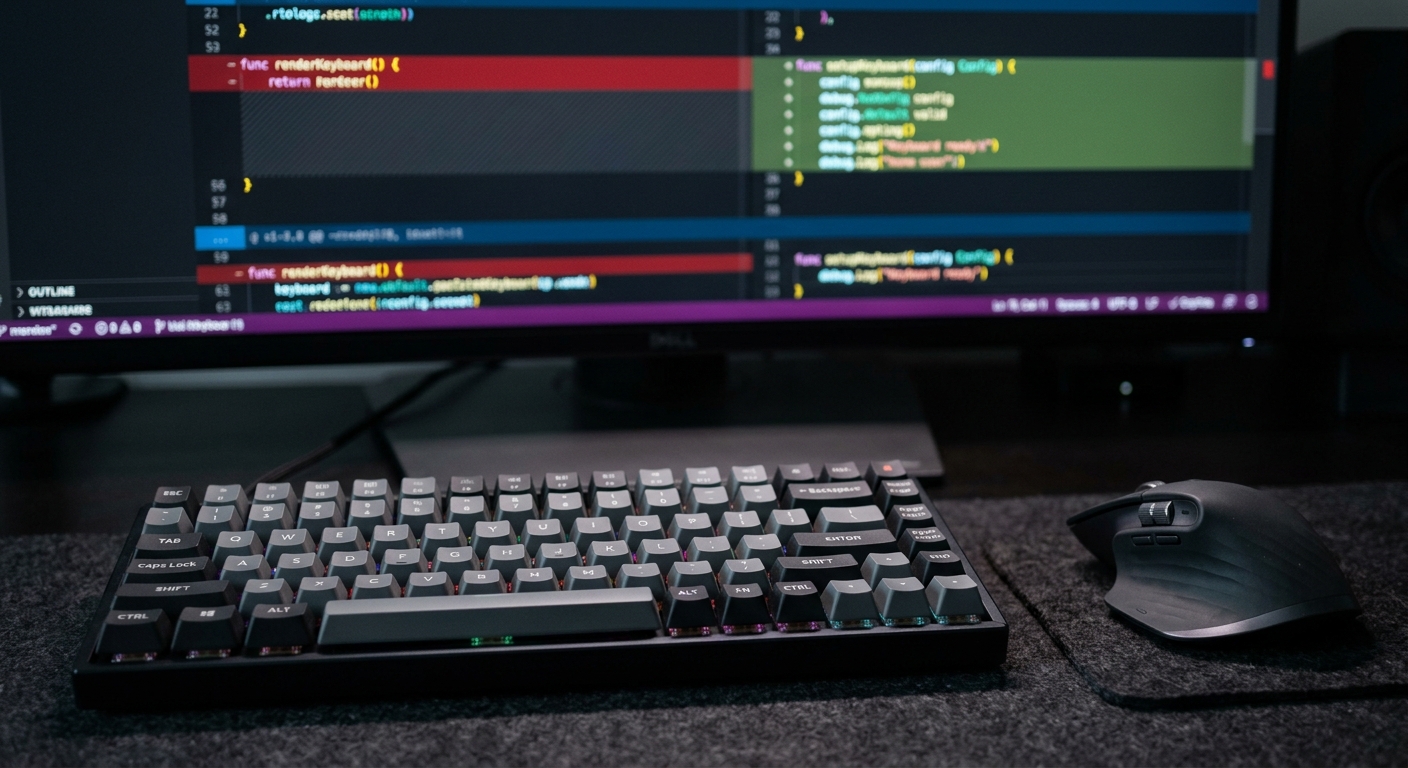
What we tried first
We started with Cursor. It is the industry standard for a reason. It is a fork of VS Code, so the transition is easy. It uses a proprietary indexing engine to map your local files so the model can answer questions about the codebase.
I set up the index and gave it a simple task. I asked it to find all instances where we were using the old logger.info() call without a trace ID and update them to use the new StructuredLogger class.
// The old way we were doing things
logger.info("User logged in", userId);

// The new way required for our observability stack
logger.info({
 message: "User logged in",
 userId: userId,
 traceId: context.getTraceId()
});
Cursor is great because it feels like a standard IDE. You hit Cmd+K, type your prompt, and watch it go. For small changes, it is excellent. But we were working on a large codebase with deep nesting.
What broke
Cursor failed on the scale. The indexing is not perfect. In a large repository, the index often gets stale. I found that Cursor would frequently hallucinate imports that did not exist or suggest changes to files that were already deleted. The backpressure of trying to review 400 small diffs in an IDE interface is exhausting.
More importantly, Cursor struggles with the hidden dependencies of a monorepo. It sees the file you are in, and it sees what it thinks are the related files, but it often misses the shared types in the root directory. We had several instances where it suggested a fix that compiled locally but failed in the build pipeline because of a version mismatch in a package.json file it had ignored.
I also noticed that the model would get lazy. After about fifty files, the quality of the suggestions dropped. It started omitting the traceId which was the entire point of the migration. This is the problem with AI. It does not get tired, but it does lose focus as the context window fills up with its own previous mistakes.
The fix
We decided to try Claude Code. Unlike Cursor, which is an IDE, Claude Code is a CLI agent. You run it in your terminal. You can find the documentation on the official Anthropic site. Because it is a CLI tool, it has direct access to your shell. It can run ls, grep, find, and even your own test scripts.
This changed the workflow. Instead of asking the IDE to find things, I told Claude Code to use grep to find every instance of the old logger and then use sed or its own internal editing tools to fix them.
I used OpenRouter to test different model backends for the logic, though Claude 3.5 Sonnet remains the best for this specific task. The CLI approach felt more like working with a real engineer who knows how to use a terminal.
# Example of a command I gave to Claude Code
claude "Find all files in /services that import 'legacy-logger'.
For each file, replace it with 'structured-logger'.
Run 'npm test' in that directory after each change.
If tests fail, rollback the change and tell me why."
This is where Claude Code wins for a senior dev. It can verify its own work. It does not just suggest code. It runs the build. If the build fails, it reads the error log and tries again. It handles the manual labor of the dev loop that Cursor leaves to the human.

Results
We tracked the metrics for both tools over a week of development. We were also using Lovable to build out a quick internal dashboard to track the migration progress, which helped us visualize the data.
| Metric | Cursor | Claude Code |
|---|---|---|
| Files touched per hour | 12 | 45 |
| Regression rate | 8% | 2% |
| Human intervention req. | High | Medium |
| Context accuracy | 70% | 92% |
| Tooling access | IDE only | Full Shell/Terminal |
Claude Code was significantly faster for bulk operations. The fact that it could run the test suite meant I did not have to. I could leave the terminal running in the background and check back in twenty minutes to see a summary of what it changed and what it could not fix.
Cursor is still the winner for day to day feature work. If I am building a new UI component and I need to see the visual output immediately, Cursor is better. But for architectural changes across a large codebase, the CLI agent is the superior tool.
For a more detailed breakdown of the technical nuances, you should read this Claude Code vs Cursor for Large Codebases: A Senior Reality Check post. It covers the specific latency issues we hit when the repository size crossed the 1GB mark.
What we would do differently
If I had to do this migration again, I would not start with the IDE. I would go straight to the CLI. I would also set up a feature flag for the new logging system earlier. We relied too much on the AI to get the logic right on the first try.
The biggest lesson learned is that context is not about how many tokens you can cram into a model. It is about how the tool accesses your file system. Cursor tries to guess what is important by indexing. Claude Code finds what is important by running the same commands a human engineer would.
We also should have been more aggressive with our internal tooling. Using Notion AI to document the migration steps was helpful, but we should have integrated it directly into our CI/CD pipeline to alert us when the AI-generated code didn't meet our linting standards.
Stop looking for a tool that writes code for you. Look for a tool that manages the boring parts of the job so you can focus on the architecture. Right now, for large codebases, Claude Code is closer to that goal, but it requires you to be comfortable in the terminal. If you are a senior dev, you should be anyway.


