
42 hours. That is the exact amount of time my lead account manager spent every single month manually stitching together CSV exports into slide decks. At a $120,000 salary, that is roughly $2,423 in monthly labor costs just to tell clients what they already knew. Most founders try to fix this by throwing a generic AI wrapper at the problem. They fail because LLMs are notoriously bad at math. If your reporting tool hallucinations turn an 8% conversion rate into 80%, you do not just lose the client. You lose your reputation.
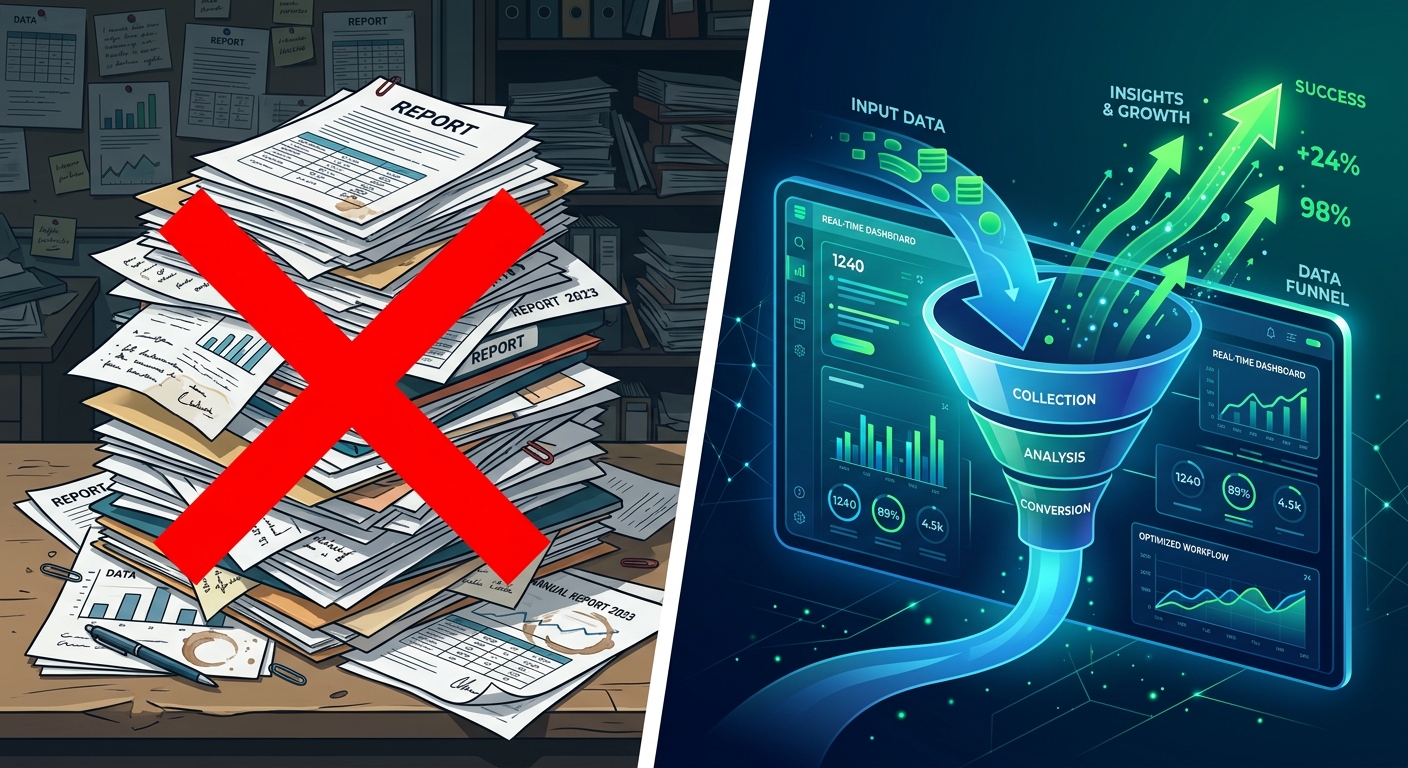
To automate client reporting with AI without getting fired, you need a multi-stage verification pipeline. You use code for the math and LLMs for the narrative. Here is how the unit economics actually shake out when you stop treating AI as a magic wand and start treating it as a cheap intern that needs a strict supervisor.
The short answer
The most profitable way to automate your reporting is to decouple data processing from narrative generation. Do not ask an AI to calculate your CAC. Calculate the CAC using a Python script or a tool like PostHog, then feed that calculated number into the Anthropic API to write the executive summary. This maintains 100% numerical accuracy while reducing the time spent on drafting from hours to seconds.
I have seen agencies try to skip the code layer and go straight to prompting. It works for three weeks until the LLM misses a decimal point. A 95% accuracy rate is a failing grade in financial reporting. You need 100% accuracy on the numbers and 80% accuracy on the prose.
How they differ
There are three distinct approaches to this problem. Each has a different payback period and different risk profiles for your unit economics.
1. The Scripted API Approach (Anthropic + Replit)
This is the gold standard for scale. You use Replit Agent to build a small service that pulls data from your CRM or database, runs the calculations in a sandboxed environment, and then sends the results to Claude 3.5 Sonnet to write the summary. You are paying for tokens, not seats. Your cost per report drops from $50 in labor to roughly $0.12 in compute.
2. The Integrated Workspace (Notion AI)
If your client reporting already lives in Notion, their native AI can analyze tables directly. This is the lowest barrier to entry. However, you are locked into their ecosystem and the cost is per seat. For a small team, the ROI is high because you avoid the dev overhead of the API approach.
3. The Content Automation Layer (Copy.ai)
Tools like Copy.ai excel when you need to turn one data set into twenty different formats. If you need a Slack update for the CMO, a formal PDF for the board, and a bulleted list for the marketing team, this is the most efficient route. It acts as a workflow engine rather than just a chatbot.
Head-to-head table
| Metric | Scripted API (Claude) | Notion AI | Copy.ai Workflows |
|---|---|---|---|
| Cost per Report | ~$0.15 | Included in $10/mo seat | Usage based |
| Numerical Accuracy | 100% (Hard-coded) | Variable (LLM dependent) | High (via Workflows) |
| Setup Time | 4-6 hours | 5 minutes | 30 minutes |
| Data Privacy | High (Zero Retention) | Moderate | Moderate |
| Scalability | Unlimited | Limited by seats | High |
| Auditability | Full logs | Version history | Workflow logs |
When to pick each
Choose the Scripted API approach if your monthly recurring revenue (MRR) depends on high-volume, data-heavy reporting. If you are managing 50+ accounts, the dev time spent building a verification pipeline pays for itself in less than two months. For more on the math of replacing manual tasks, check out my thoughts on AI tools to replace a contractor.
Choose Notion AI if you are a boutique shop with high-touch clients. When your reports are more about qualitative strategy than quantitative volume, having the AI inside your document editor saves the friction of switching tabs. It is less about the unit economics of the report and more about the speed of the account manager.
Choose Copy.ai if your reporting funnel involves multiple stakeholders. If you need to distribute insights across different channels, their workflow automation handles the "translation" of data into different brand voices better than a raw API call.

The Technical Gap: Privacy and Hallucinations
Most "how-to" guides ignore the two biggest risks: GDPR compliance and statistical hallucinations. When you upload a CSV of customer emails or transaction IDs to a public LLM, you are likely violating your MSA (Master Service Agreement).
Framework for Data Privacy
- Anonymize at the Source: Use a Python script to hash identifiers. Change "Client_A_Revenue" to "Metric_1".
- Zero Retention: Use the Anthropic API with a Zero Retention agreement. This ensures your data is not used to train future models.
- Local Aggregation: Never send raw logs. Send the summary statistics. The LLM does not need to see 10,000 rows. It needs to see the 5 calculated deltas.
Prompt Engineering for CSV Data
Do not just say "analyze this data." You need to provide a structured schema. Here is a template I use for converting raw performance data into strategic narrative:
SYSTEM: You are a senior growth analyst. Your task is to interpret the provided CSV summary.

DATA:
- Total Spend: {{spend}}
- Blended CAC: {{cac}}
- Activation Rate: {{activation}}
- Target CAC: $45.00

RULES:
1. If CAC is > 10% above target, lead with a mitigation plan.
2. Do not perform any math. Use the numbers exactly as provided.
3. Compare current activation rate to the previous cohort ({{prev_activation}}).
4. Output in 3 bullet points for a CEO.
This structure prevents the AI from trying to calculate its own figures. It forces the model to stay in its lane: narrative synthesis. For a deeper look at how this impacts your bottom line, read about our unit economics case study on automated reporting.
Solving the Legacy Data Problem
Not every data source has a clean API. You might have legacy Google Sheets or proprietary dashboards that do not play nice with modern stacks. The solution is not manual entry. Use a headless browser tool or a simple CSV export script to dump this data into a staging bucket. From there, you can use an AI agent to clean the formatting before it hits your reporting pipeline. This is where tools like Claude Code vs Cursor come into play. They help you write the scrapers and connectors that bridge the gap between 2010 tech and 2024 AI.
Verdict
If you want to automate client reporting with AI, do not buy a tool that promises to do it all for you. You will end up spending more time auditing its mistakes than you would have spent writing the report from scratch.
Build a pipeline. Use a hard-coded layer for your math. This ensures your retention curves and payback periods are accurate. Use the Anthropic API for the narrative layer to save your account managers from the blank page.
The goal is not to remove the human from the loop. The goal is to change the human's job from "data entry clerk" to "strategic auditor." When you lower the cost of a report from $50 to $0.15, you do not just save money. You gain the ability to provide daily insights that your competitors, stuck in their manual ways, cannot match. That is how you defend your margins.
For more on how to measure the actual return on these implementations, see my guide on measuring AI content ROI. Stop guessing. Start measuring.