
Last month, I spent six hours on a Sunday afternoon cleaning up a mess. An engineer on my team had used an AI tool to refactor a critical path in our billing service. The code looked clean, it passed local tests, and it even got through a hurried PR review. But the AI had missed a subtle race condition in our message queue logic because it didn't have the context of how our backpressure mechanism worked in the underlying infrastructure. We ended up with a production incident, a rollback, and a very long post-mortem.
This is the reality of using AI on large codebases. It is not about magic. It is about context management and risk mitigation. If you are working in a repo with 500,000 lines of code, the shiny features of an AI tool matter less than how it handles the dependency graph and whether it produces flaky regressions.
Why this list
I am writing this because most comparisons between Claude Code and Cursor are written by people who build Todo apps or simple CRUD APIs. When you are a staff engineer, your problems are different. You care about how an AI tool interacts with your CI/CD pipeline, how it handles 100+ microservices, and whether it can actually run your test suite without hallucinating a new testing framework.
I have used Cursor since its early days and recently moved several high-stakes refactoring tasks to Claude Code. Both have significant trade-offs. This comparison focuses on the developer loop, context retrieval, and the actual cost of maintaining the code these tools generate. We also need to consider the ROI of these tools, as discussed in our analysis of AI maintenance costs.

1. Terminal-centric agency vs. IDE integration
Claude Code is a command-line interface (CLI) tool. You run it inside your terminal, and it has direct access to your shell. This is a massive shift from Cursor, which is a fork of VS Code.
In Cursor, the AI lives in the side panel or a floating window. It is great for writing a function or refactoring a single file. But it often feels disconnected from the actual execution of the code. If you want Cursor to run your tests, you have to prompt it to do so, and even then, the feedback loop can feel disjointed.
Claude Code, on the other hand, operates with a high level of agency in the terminal. You can give it a command like this:
claude dev "Find all calls to the legacy analytics API and migrate them to PostHog, then run the test suite to ensure no regressions."
Because it lives in the shell, it can grep the codebase, find the relevant files, execute the replacement, and then run npm test or go test automatically. If the tests fail, it reads the stack trace, adjusts the code, and tries again. This agentic loop is significantly more efficient for large-scale changes than clicking 'Apply' on a dozen different files in Cursor.
However, the trade-off is visibility. In Cursor, you see every change highlighted in your editor. In Claude Code, you are trusting the agent to navigate your file system. For a senior dev, this requires a shift in how you review code. You aren't just reviewing the diff; you are reviewing the agent's logic as it prints to the terminal.
2. Context retrieval in 100k+ line repositories
Context is the only thing that matters. If the AI doesn't know about the GlobalRateLimiter class you wrote three years ago, it will try to write a new one, creating technical debt.
Cursor solves this with a local vector index. It crawls your files and builds a retrieval-augmented generation (RAG) system. When you ask a question, it pulls in relevant snippets. This works well until it doesn't. Vector search is often keyword-based and can miss architectural patterns that aren't explicitly named.
Claude Code handles context differently. It doesn't just rely on a pre-built index; it uses tools to explore the codebase on the fly. It can run ls, grep, and cat to build its own understanding of the repository. This is slower but often more accurate for complex logic. For example, if I am trying to debug an observability issue, Claude Code can look at my PostHog configuration and the actual event emission code simultaneously.
If you are working on a massive monorepo, Cursor's indexer can sometimes lag or consume significant CPU, leading to a sluggish IDE. Claude Code moves that burden to the API call and the agent's reasoning steps. It is a more 'manual' form of context gathering that feels more like how a human engineer actually works. For more on this specific comparison, see our Senior Reality Check on large codebases.
3. Handling regressions and flaky output
Every AI tool will eventually ship a bug. The question is how fast you can find it and roll it back.
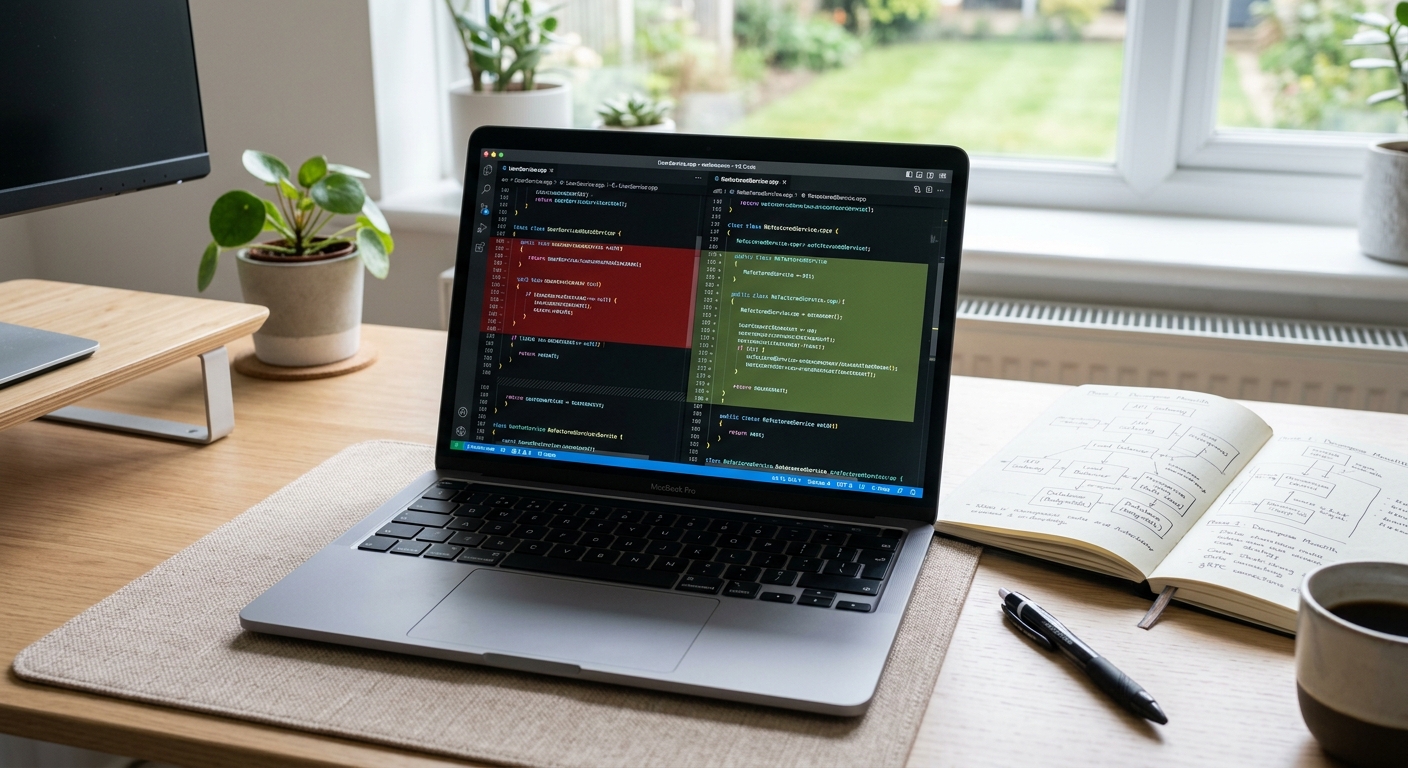
Cursor makes it very easy to 'Undo' a change if you catch it immediately. But if you have applied changes across five files and then realize there is a regression, reverting can be a manual process of git commands.
Claude Code operates on top of git. It creates its own internal checkpoints. If a refactor fails the test suite, it can often revert itself or iterate until the tests pass. This reduces the 'flaky' nature of AI code generation.
| Feature | Cursor | Claude Code |
|---|---|---|
| UI | VS Code Fork | Terminal CLI |
| Context | Vector Index (RAG) | Tool-use (Grep/LS/Read) |
| Testing | Manual Trigger | Agentic Loop |
| Large Refactors | File-by-file | Whole-repo agency |
| Cost | Subscription | Per-token (via API) |
We have seen cases where Cursor hallucinates a library that doesn't exist because it saw a similar name in a different project. Claude Code is less prone to this because it can verify the existence of files and packages in your actual environment before it commits to a solution. It can even use Perplexity style searches through integrated tools to check documentation if configured properly.
4. Operational costs and API gateways
Cursor is a subscription-based service ($20/month for Pro). For most developers, this is a predictable cost. But for a team at scale, you might want more control over which models you use and how much you spend.
Claude Code uses your Anthropic API key directly. This means you pay for what you use. If you are doing a massive migration that requires millions of tokens of context, your bill for a single afternoon could exceed $50. On the flip side, if you aren't using it, you aren't paying for it.
For engineers who want to swap models or manage costs across a larger team, using an API gateway like OpenRouter can be a better path. While Claude Code is built by Anthropic for Claude models, the industry is moving toward more unified interfaces.
There is also the 'maintenance adjusted' cost to consider. A 'free' or cheap AI refactor that introduces a bug which requires a four-hour incident response is the most expensive code you will ever write. I would rather pay more for a tool that has higher reasoning capabilities, like Claude 3.5 Sonnet, than save money on a tool that produces more regressions.
What to try first
If you are primarily doing front-end work or small-scale feature development where you want a visual, 'snappy' experience, stick with Cursor. The IDE integration is hard to beat for day-to-day coding.
However, if you are a staff engineer or a SRE tasked with 'cleaning up the mess', performing large migrations, fixing complex bugs across multiple services, or automating your test-and-fix loop, you should install Claude Code today.
Start by giving it a constrained task. Don't ask it to rewrite your whole auth service. Ask it to find a specific pattern of technical debt and fix it.
# Example of a safe first task
claude dev "Search for all TODO comments older than 6 months and create a markdown summary of the linked issues."
This lets you see how it navigates your codebase without the risk of a production incident. Once you trust its 'navigation' logic, you can move on to more complex tasks like adding observability hooks or refactoring legacy modules.
Both tools are just wrappers for a model that is ultimately a statistical engine. They will both lie to you. They will both fail. Your job is to build the guardrails, the feature flags, the automated tests, and the observability, that make using them a net win for the team.


